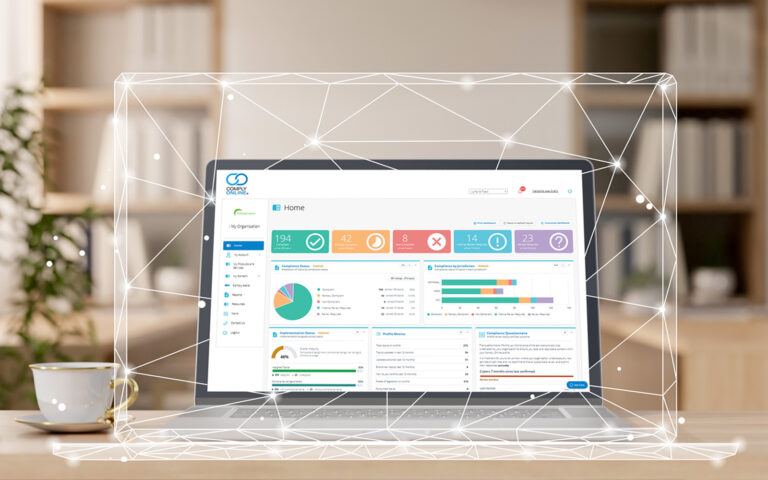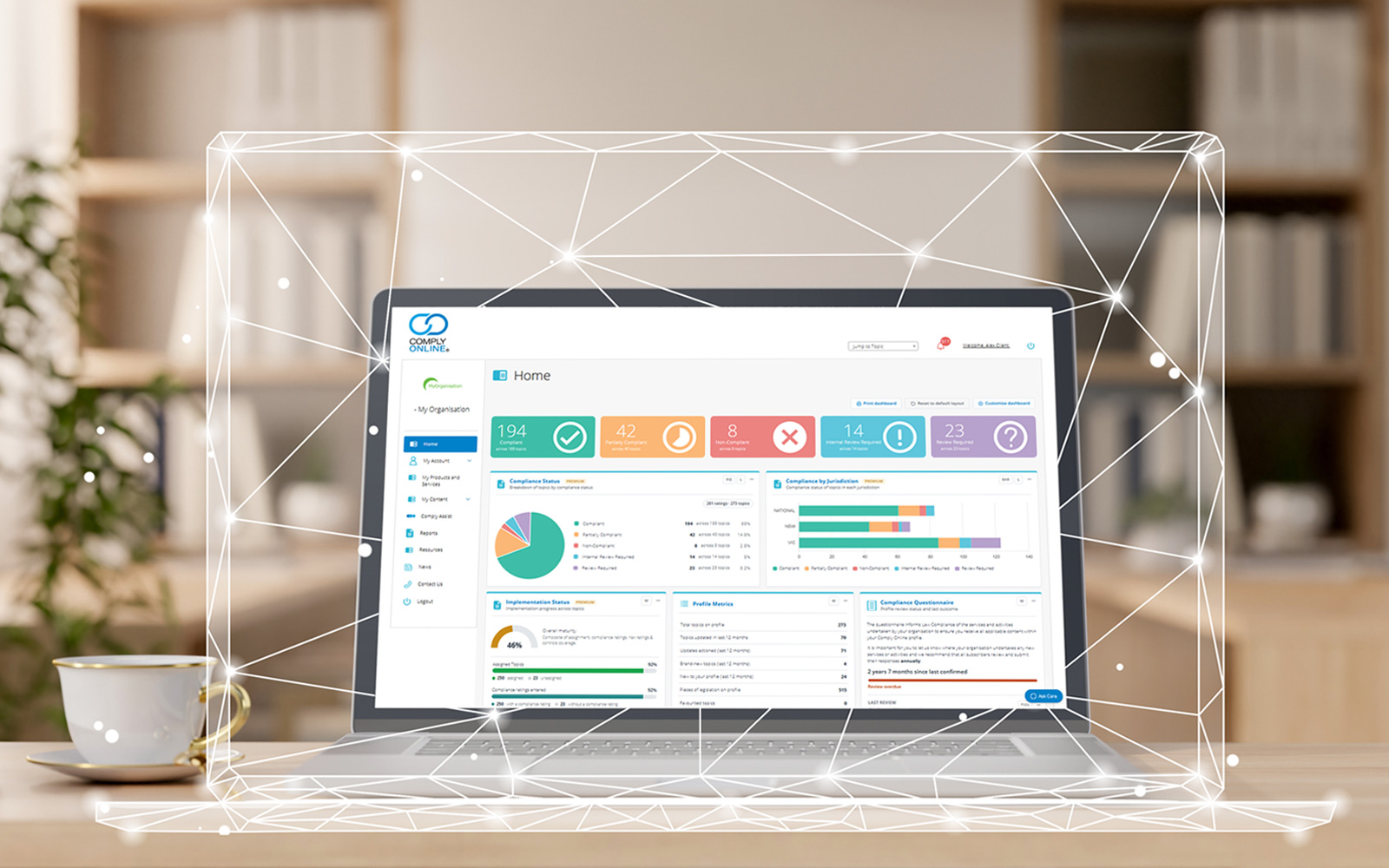
We have had some exciting new developments in Comply Online.
Introducing Cora – your Comply Online Resource Assistant
Need help using Comply Online? Just ask Cora.
Cora is our new Comply Online Resource Assistant, designed to help you quickly find answers and get the most out of the platform.
Drawing on our Comply Online help documentation, Cora can guide you through features and functionality, answer common “how do I?” questions, and point you in the right direction – without the need to search through help guides yourself.
Whether you’re wondering how to update a compliance status, assign a topic, find a report or navigate a feature, Cora is there to help, right when you need it.
Cora is designed specifically to assist with using Comply Online. She cannot interpret legislation, assess whether your organisation is compliant or provide legal or compliance advice. If you need assistance with any of these areas, simply reach out to your CRM, who can connect you with one of our solicitors for expert support.
Less searching. Faster answers. More confidence using Comply Online. Just ask Cora.
Track how your topics have changed over time
Every topic page now includes a new Previous Updates section, a timeline of how that topic has evolved quarter by quarter.
For each quarter, the timeline shows:
- What changed – the Summary of Recent Changes exactly as it was published that quarter, so you no longer lose the detail of an earlier update when a new one replaces it.
- How significant it was – each quarter carries its significance rating (Critical, Important, Minor, New or Enhancement), so you can spot the quarters that mattered at a glance.
- The documents from that quarter – click the document icon on any quarter to see which documents were updated in that period, and download them directly. You can then see Law Compliance’s helpful mark ups within the documents to see what changed.
This is especially useful when you’re preparing for an audit, reviewing what has changed since your last compliance check, or bringing a new team member up to speed on a topic’s history.
See your risk profile at a glance (Premium feature)
Your dashboard now includes a Risk Rating tile showing how your topics are rated across your profile. Click any rating to see the topics behind the numbers.
Keep an eye on team activity (Premium feature)
A new Team Activity tile on your dashboard shows how your team is working through their assigned topics, and the same breakdown is now available in the Team Progress Report. This tile can be sorted alphabetically by name or grouped by Business Unit/Team and can be filtered for the last month, 3 months, 6 months or 12 months.
Build the Team Progress Report your way (Premium feature)
When generating the Team Progress Report, you can now tick which sections to include – such as the Team Activity table and the Compliance by Business Unit chart – so the PDF contains exactly what you want to share.
Compliance Excellence certificates
Primary users can now create professional certificates to recognise staff for their commitment to using Comply Online and supporting your organisation’s compliance program.
Name your business units to align with your internal group structures
If your organisation refers to “sites”, “divisions”, “branches”, “faculties” or anything else, Comply Online can now use your organisation’s terminology instead of the default “business unit” throughout your dashboard, reports and team management pages.
Export your favourite topics
You can now download your favourite topics as a CSV file from the Reports page, making it easy to share or work with the list outside Comply Online.
Questionnaire emails
You can now limit emails from Law Compliance relating to our service questionnaire to your preferred primary contact (instead of all primary contacts receiving these emails). Please contact your CRM if you would like this to be enabled.
Next Review Date (Premium feature)
Where a topic is marked as “Compliant”, there is now an interactive prompt to update the Next Review Date. The Next Review Date will also turn red once the date passes.
Topic updated date
We’ve standardised the Topic Updated date across Comply Online to provide greater consistency and clarity throughout the platform.
We’ve also updated the date formats in the Topic Compliance Spreadsheet so that they can be filtered in Excel more easily.
For more information on how these enhancements improve you compliance management functionality, get in touch with our team for a demo.